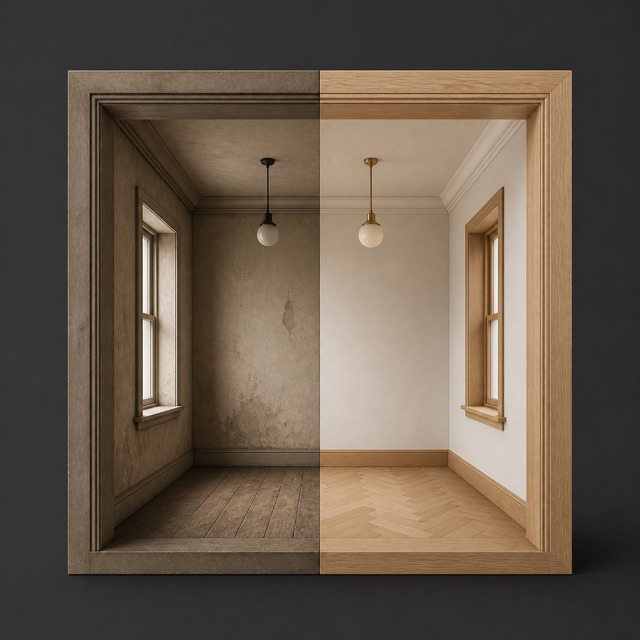
Renovation Before & After Agent

Pairs before-and-after renovation photos into a comparison film.

Your conversations are private and secure.

Before and After Renovation Video Maker, built to deliver finished work

Pairs before-and-after renovation photos into a comparison film. This before and after renovation video maker workflow is designed for contractors, designers, and property owners who need more than loose suggestions: it returns a polished renovation reveal video.

What it creates

A polished renovation reveal video. The deliverable is built around the goal and constraints in your brief.

What to provide

Upload before images (1–10 files). Add the original rooms in sequence. Upload after images (1–10 files). Add matching finished rooms in the same sequence.

Who it is for

Contractors, designers, and property owners. Use it when you want a concrete result you can review, share, or act on.

How the Renovation Before & After Agent works

  1. Describe the outcomeStart with a focused request such as “Make a before-and-after film from these room photos” and add the constraints that matter.
  2. Add the right contextUpload before images (1–10 files). Add the original rooms in sequence. Upload after images (1–10 files). Add matching finished rooms in the same sequence.
  3. Receive finished workA polished renovation reveal video. Review the result in the Spaces workspace alongside its supporting material.

Common questions

What does the Renovation Before & After Agent deliver?

A polished renovation reveal video.

What should I provide to the Renovation Before & After Agent?

Upload before images (1–10 files). Add the original rooms in sequence. Upload after images (1–10 files). Add matching finished rooms in the same sequence.

Can I run the Renovation Before & After Agent on the web?

You can prepare the request and upload its source files on this page. After password sign-in, Spaces saves the brief to a new agent conversation and continues the media or variable-cost work in the full app.